

A Live Cricket Score App for Android: API, Widget and Source Code
How to build a live cricket score app for Android: where to get runs, wickets and overs, how to set up the server, and how to keep a home-screen widget live despite Android's limits.
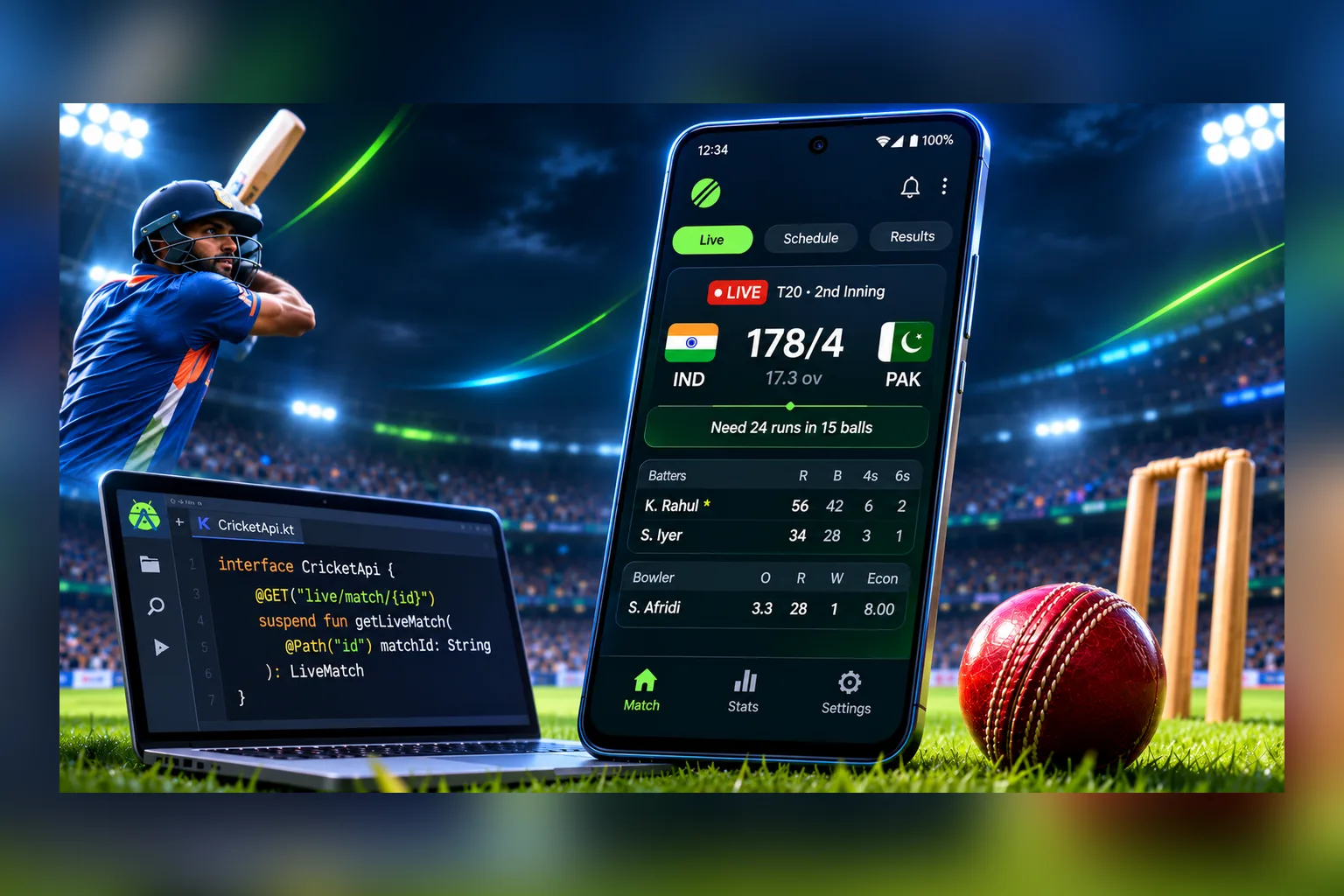
A live cricket score app has three parts: a data source with the score, a small server that fetches it and hands it out, and the app itself with a matches screen and a home-screen widget. The hard part is usually the data, not the code. Free cricket APIs hit their limits quickly, and open-source apps on GitHub mostly scrape other websites and break the next time the page layout changes.
In the SportAPI sports odds and live score API, cricket is a regular sport (sport_id 66) in prematch and live: each team’s runs, wickets and overs, the innings, the batting side, odds, and for many matches a video stream too. It costs from $30 a month, and a 2-day trial key lets you test it first. Below you’ll find the architecture, server and Android code in Kotlin, and the least obvious part: how to keep a home-screen widget updating during a live match.
What a live cricket score app shows
| Screen | What’s on it | SportAPI data |
|---|---|---|
| Live | Matches in play: a score like 154/3 (18.2), the innings, who is batting | events with the live type |
| Fixtures | Today’s and upcoming matches, competitions | Match calendar and the prematch line |
| Match | Detailed score, markets and odds, video when available | event by game_id |
| Widget | A favourite team’s score on the home screen | Your server + push |
The list of competitions follows the calendar. The line snapshot in our documentation includes the Caribbean Premier League, Sri Lankan T20 tournaments, the Kabul Premier League, international fixtures and US leagues. The menu method gives the current list.
Architecture: a server between the app and the API
The app shouldn’t call the API directly. The key would end up in the install file, a thousand users would mean a thousand identical requests, and Android suspends background requests to save battery. So the setup is:
- Your server requests all live cricket matches every 7 seconds with a single
eventscall. - The server turns the response into a simple format (score, wickets, overs, innings) and serves it to the app.
- When a favourite team’s score changes, the server sends a push through Firebase and the app updates the widget.
Seven seconds is the minimum interval for the live list in the events method documentation. For one open match you can request event every 5 seconds. If the screen doesn’t show odds, add odds=false to the request: the response gets 2–5 times smaller.
Reading a cricket score in the API response
A cricket score looks nothing like a football one, so don’t parse it with football rules. In a live match response:
score_fullholds both teams’ runs separated by a colon:154:90;- each team’s wickets and overs come in separate fields described in the cricket section of the documentation;
period_nameis the current innings, for example “2nd innings”;pitchshows which team is batting:1or2;game_deskis the game format,inningsfor cricket.
The familiar “154/3 (18.2)” means 154 runs, 3 wickets, 18 overs and 2 balls bowled. Build that string on the server so the app gets it ready to display.
The live cricket list also includes cyber matches, which are computer simulations. Their competition and team names are marked “cyber”. If your app should only show real matches, filter them out on the server.
Server code: live scores in a simple format
The example uses Node.js 18+. The server caches the response and serves the app compact JSON.
import express from 'express';

const LIVE_URL = 'https://YOUR_API_DOMAIN/v1/events/66/0/sub/50/live/en?odds=false';
let cache = { matches: [], updatedAt: 0 };

function side(game, n) {
  const runs = Number(game.score_full.split(':')[n - 1]) || 0;
  const wickets = readWickets(game, n); // wicket fields: see the cricket documentation
  const overs = readOvers(game, n); // over fields: see the cricket documentation
  return {
    name: game[`opp_${n}_name`],
    score: wickets == null ? `${runs}` : `${runs}/${wickets}`,
    overs,
  };
}

async function refresh() {
  try {
    const res = await fetch(LIVE_URL, { headers: { Package: process.env.SPORTAPI_KEY } });
    if (res.ok) {
      const data = await res.json();
      const matches = [];
      for (const tournament of data.body ?? []) {
        if (/cyber/i.test(tournament.tournament_name)) continue; // skip cyber matches
        for (const game of tournament.events_list) {
          matches.push({
            id: game.game_id,
            tournament: tournament.tournament_name,
            home: side(game, 1),
            away: side(game, 2),
            batting: game.pitch === '1' ? 'home' : 'away',
            innings: game.period_name,
          });
        }
      }
      cache = { matches, updatedAt: Date.now() };
    }
  } catch (err) {
    console.error(err);
  }
  setTimeout(refresh, 7000);
}

const app = express();
app.get('/cricket/live', (req, res) => res.json(cache));
app.listen(3000, refresh);
The app requests /cricket/live from your server, not from SportAPI. However many users open the app, the API gets one request every 7 seconds.
The live matches screen in Kotlin
On the Android side you need a model, a request to your own server and a Jetpack Compose list:
@Serializable data class Side(val name: String, val score: String, val overs: String? = null)
@Serializable data class Match(val id: Long, val tournament: String, val home: Side, val away: Side, val batting: String)
@Serializable data class Live(val matches: List<Match>)

suspend fun loadLive(client: HttpClient): Live =
    client.get("https://api.your-app.example/cricket/live").body()

@Composable
fun MatchRow(m: Match) {
    Column(Modifier.padding(16.dp)) {
        Text(m.tournament, style = MaterialTheme.typography.labelMedium)
        SideLine(m.home, isBatting = m.batting == "home")
        SideLine(m.away, isBatting = m.batting == "away")
    }
}

@Composable
fun SideLine(side: Side, isBatting: Boolean) {
    Row(Modifier.fillMaxWidth(), horizontalArrangement = Arrangement.SpaceBetween) {
        Text(if (isBatting) "● ${side.name}" else side.name)
        Text(side.score + (side.overs?.let { " ($it)" } ?: ""), fontWeight = FontWeight.Bold)
    }
}
While the screen is open, refresh the list every 7–10 seconds. When the app goes to the background, stop refreshing: the latest score will arrive by push. We covered building a similar app for Android and iPhone from one codebase in our guide to a live scores app in Flutter.
The home-screen widget: why it won’t update by itself
This catches out almost everyone building their first live widget. Android limits background updates:
| Update method | How often it runs | Good for live |
|---|---|---|
updatePeriodMillis in the widget settings | at most every 30 minutes | No |
| A periodic WorkManager task | at most every 15 minutes | No |
| A data push from your server | when the score changes | Yes |
What works for live: the server sees the score change for a match the user follows and sends a data message through Firebase. The app receives it in the background and updates the widget:
class ScoreMessagingService : FirebaseMessagingService() {
    override fun onMessageReceived(message: RemoteMessage) {
        val match = message.data["match"] ?: return // "Raptors v Lashings"
        val score = message.data["score"] ?: return // "154/3 (18.2)"
        getSharedPreferences("widget", MODE_PRIVATE).edit()
            .putString("match", match).putString("score", score).apply()
        CoroutineScope(Dispatchers.IO).launch { CricketWidget().updateAll(applicationContext) }
    }
}

class CricketWidget : GlanceAppWidget() {
    override suspend fun provideGlance(context: Context, id: GlanceId) {
        val prefs = context.getSharedPreferences("widget", Context.MODE_PRIVATE)
        val match = prefs.getString("match", null) ?: "No live matches"
        val score = prefs.getString("score", null).orEmpty()
        provideContent {
            Column(GlanceModifier.padding(12.dp)) {
                Text(match)
                Text(score, style = TextStyle(fontSize = 22.sp, fontWeight = FontWeight.Bold))
            }
        }
    }
}
In cricket the runs change almost every ball, so don’t push every run. A good rule: update the widget at most every 30–60 seconds, and immediately when a wicket falls or an innings ends. The widget stays live and the user doesn’t get hundreds of messages per match. The Firebase sending server is covered in detail in our guide to instant goal alerts; the setup for cricket is the same.
On iPhone the same job is done by Live Activities: a match card on the lock screen that your server updates through Apple push. Regular iOS widgets refresh on the system’s schedule and are a weaker fit for live scores.
A live cricket score widget for a website
If you need the live score on a website rather than in an app, there are ready-made options:
- Live tracker. The SportAPI Live 3D Tracker supports cricket: a 2D or 3D view of the match with the score and the flow of play. It isn’t available for every live match, so check the
zpfield in the response. - Video streams. In our check on 24 October 2026, 6 of 7 live cricket matches had video. The
vaandvifields show whether a stream is available; setup is described in the video streaming documentation.
Mistakes that break a cricket score app
- Calling the API from phones. The key goes public, and the OS stops background requests anyway.
- Parsing the score like football. In cricket
score_fullholds runs, not goals; wickets and overs come separately. - A widget on
updatePeriodMillis. The score updates half an hour later, after the innings is over. - A push for every run. Hundreds of messages per match drain the battery and annoy users.
- Cyber matches mixed with real ones. The user looks for a real international and finds a simulation.
- Source code that scrapes websites. Ready-made GitHub apps often take scores from other sites’ pages, which breaks those sites’ terms and fails without warning.
Building the app on SportAPI data
For a live cricket score app SportAPI provides:
- live cricket matches in one request: runs, wickets and overs, the innings, the batting side;
- the prematch line and match calendar for the fixtures screen;
- odds such as match winner, totals, runs in an over and player runs, if your app shows them;
- team and competition logos from the CDN;
- no monthly request quota, as long as you keep to the recommended intervals.
One limit: data is delivered over REST, and WebSocket support is in development. Your server learns about a new run on its next poll, every 5–7 seconds.
How much it costs
| What you need | Price |
|---|---|
| Cricket: live and prematch, odds, short live statistics | from $30 a month |
| Firebase Cloud Messaging for push and widget updates | free, according to Firebase as of October 2026 |
| Testing before you pay | A 2-day SportAPI trial key, all sports |
FAQ
Is there a free live cricket score API for Android?
SportAPI has no free plan, but there is a 2-day trial key covering all sports. Free APIs usually come with a daily request cap, and a live score needs refreshing every few seconds, so the cap doesn’t last long.
Can I use ready-made source code from GitHub?
You can reuse the interface, but not the data source: many of those apps scrape other websites. The code in this article (the server and the Kotlin screens) works as a starting point once it’s connected to an official API.
How often does the score update?
You can request the live match list every 7 seconds and a single match every 5 seconds. On an app screen that’s enough to follow every ball with a short delay.
Why doesn’t my home-screen widget update during a match?
Android lets a widget refresh on a schedule no more than once every 30 minutes. For live scores you need a push from your server: the app receives the new data and redraws the widget itself.
Does the API have IPL and international matches?
The line includes international fixtures and major leagues, depending on the calendar. Check the current competitions with the menu method on a trial key.
Can I show match video in the app?
Many live cricket matches have a video stream. The va and vi fields show availability; ask your SportAPI manager about video terms.
What to do today
- Get a SportAPI trial key.
- Run the server from this article and see which cricket matches are live right now.
- Build the live matches screen in Kotlin.
- Connect Firebase and test widget updates on a real match.
Tell the SportAPI manager on Telegram you’re building a cricket score app. You’ll get a trial key for SportAPI live data and odds and can check runs, wickets and overs on real matches.