

How to Use a Volleyball Odds API for Real-Time Betting Feeds: Sets, Live, Markets
A step-by-step guide to a volleyball odds API: find live matches, read the score by sets and points, show match and set markets, poll for updates at the right pace and accept bets.
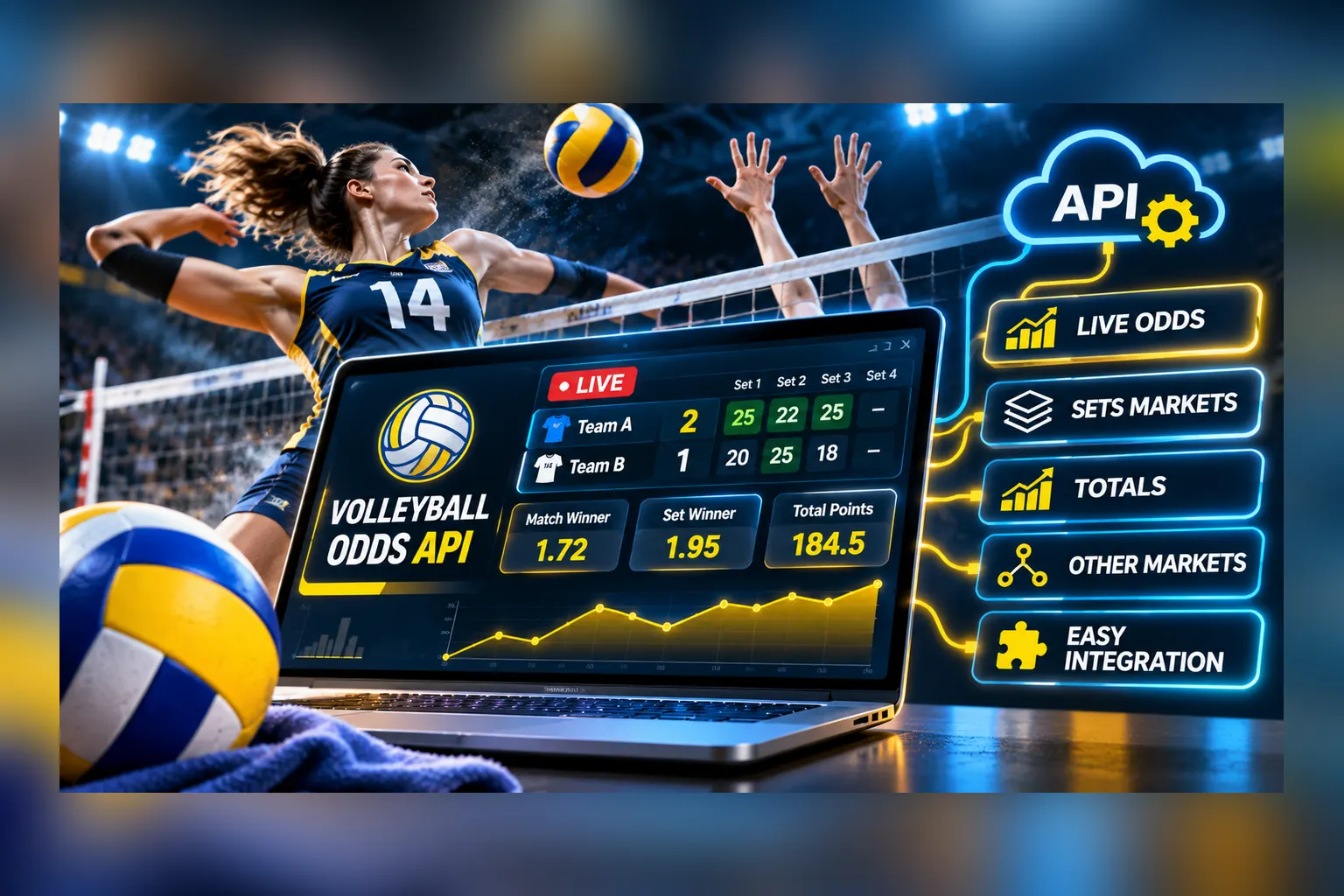
To use a volleyball odds API for a real-time feed you need four requests and one loop. The menu tells you which competitions are on, the event list returns live matches with scores and main odds, the event request returns every market of one match, and the same request with a set’s ID returns the markets of that set. The loop repeats the list every 7 seconds and an open match every 5.
Volleyball has no clock and no draw, and a match is three to five sets, so the score comes at two levels: sets won and points in each set. On 9 November 2026 the SportAPI line had 86 prematch volleyball matches in 20 countries and 11 live ones. Below are the eight steps from the key to an accepted bet, with the fields and the code. The feed is the Sports Odds API; the product page for the sport is the Volleyball Odds API.
Step 1. Get the API domain and the key
Both come from the SportAPI manager. The key goes into the Package header of every request, and all requests are made from your server, never from the browser. A test key works for two days and includes all sports with prematch and live.
GET https://YOUR_API_DOMAIN/v1/menu/live/en
Package: YOUR_API_KEY
Step 2. Find volleyball in the menu
The menu returns the current hierarchy of sports, countries and tournaments. Volleyball is sport 6; beach volleyball is a separate sport with its own ID in the same menu. On the day we checked, the prematch menu included:
| Region | Competitions that day |
|---|---|
| South America | Brazil’s SuperLiga, Argentina’s leagues |
| Europe | Poland’s Tauron Liga, Germany’s Bundesliga, Greece’s A1, Romania’s Divizia A1, Finland’s Mestaruusliiga, women’s leagues in Spain, Bulgaria and the Czech Republic |
| Asia and the Middle East | Iran’s SuperLeague, South Korea, Qatar, Kazakhstan |
| Africa | Egypt’s women’s championship |
The API shows only competitions that currently have scheduled matches, so don’t hard-code the list. Read it from menu each time.
Step 3. Request the live matches
GET https://YOUR_API_DOMAIN/v1/events/6/0/sub/50/live/en
Package: YOUR_API_KEY
Here 6 is volleyball and 0 means all tournaments. The response is grouped by tournament, and each match carries the teams, the score fields, the main market and, for some matches, short statistics. If a screen shows scores without odds, add ?odds=false and the response gets several times smaller.
Step 4. Read the score: sets and points
A live match in its fourth set looked like this:
| Field | Value | Meaning |
|---|---|---|
score_full | "1:2" | Sets won |
score_period | "24:26;21:25;25:23;20:24" | Points in each set, the current one last |
period_name | "4th set" | The set being played |
game_desk | "Set" | The type of period |
timer | 0 | Volleyball has no match clock |
A formatter for the scoreboard:
// score_full: sets won; score_period: points in every set, the current one last
function volleyballScore(match) {
  const points = (match.score_period || '')
    .split(';')
    .filter(Boolean)
    .map((s) => s.split(':').map(Number)); // [[24, 26], [21, 25], [25, 23], [20, 24]]
  const [sets1, sets2] = match.score_full.split(':').map(Number);
  return { sets: [sets1, sets2], points, current: points.at(-1), playing: match.period_name };
}
Some live matches also return stat_list with the longest run of points, points won on own serve and on the opponent’s serve, and timeouts. Not every match has it, so render the block only when the array isn’t empty.
Step 5. Open one match with all its markets
GET https://YOUR_API_DOMAIN/v1/event/{gameId}/group/live/en
Package: YOUR_API_KEY
{gameId} is the game_id of a match from the list. For a live match that day the response had nine markets:
| Market | What it is |
|---|---|
| Match winner | Two selections; volleyball has no draw |
| Total | Over or under the points in the match |
| Handicap | A points handicap |
| Total 1, Total 2 | Each team’s points total |
| Correct score | The result in sets, such as 3:1 |
| Sets handicap | A handicap in sets |
| Exact total sets, Total sets | How many sets the match lasts |
Markets arrive already grouped into columns, with a recommended column count. Keep the order the API returns, and give no button to a selection whose oc_block is true.
Step 6. Show set markets
The same response has sub_games: for that match, 1st set, 2nd set and 3rd set. Each set is a sub-event with its own game_id. Request it with the same event method and you get the markets of that set only.
// sets are sub-events named "1st set", "2nd set", ...
// fetchLine is your server-side helper: it adds the Package header and caches the response
const setSubs = match.sub_games.filter((s) => /^\d(st|nd|rd|th) set$/.test(s.game_name));
for (const s of setSubs) {
  const set = await fetchLine(`/v1/event/${s.game_id}/group/live/en`, 5_000);
  // set.game_oc_list: markets of this set only
}
Set markets matter most in live: a set is short, so its result is known quickly.
Step 7. Poll at the right pace
The minimum intervals are in the data update guidelines: the live list every 7 seconds, one open match every 5, the menu every 20. Request details only for matches someone has open, and don’t start a request while the previous one for the same data is still running.
Between two polls a volleyball match changes in three ways. Points move in the last element of score_period. Odds move, and selections can be blocked for a moment. And when a set ends, score_full changes, a new element appears in score_period, and period_name moves on. Rebuild the markets from every response instead of patching the old ones.
One backend poller serves every visitor from a cache. The architecture behind that is in How Live Data Travels from a Sports API to a Website.
Step 8. Accept bets
Each selection has an oc_pointer. When a player confirms the slip, your server sends the pointer with the odds the player saw to the bet placement service, which checks the price again and accepts the bet or returns the new odds. After the set or the match it settles the bet and sends the result to your server. Player balances stay in your system. Bet placement and settlement are a separate service, from $300 a month.
Mistakes that break a volleyball page
- Showing a timer. It’s always
0. The progress of a match is the set and the points. - Treating
score_fullas points. It’s sets. Points are inscore_period. - Assuming five sets. A match ends when one team wins three. Read the sets the API returns.
- Mixing volleyball and beach volleyball. They’re different sports with different IDs and formats.
- Keeping the markets of a finished set. When a set ends, its markets are gone. Rebuild from the response.
- Hard-coding the tournament list. Leagues come and go with the calendar. Read
menu.
What it costs
| What you need | Cost |
|---|---|
| The volleyball line: prematch and live, markets and odds, short live statistics | from $30 a month |
| Bet acceptance and automatic settlement | from $300 a month |
| Final scores for a results site | from $25 a month per sport, +$10 for each extra language |
| Testing before you pay | free two-day test key, all sports |
FAQ
How is a live volleyball score returned?
At two levels. score_full holds the sets won, and score_period lists the points of every set separated by semicolons, with the set in play last. period_name names the current set.
Are there markets on individual sets?
Yes. Each set is a sub-event in sub_games with its own game_id. Request it with the event method to get that set’s markets.
How often should I request live volleyball data?
The match list no more often than every 7 seconds and one open match every 5. Requesting more often doesn’t make the data fresher.
Is beach volleyball included?
Beach volleyball is in the menu as a separate sport, so it’s a separate sport on the plan. Check its current competitions with menu.
Do live matches have statistics?
Some do: the longest run of points, points on own and opponent’s serve, and timeouts. Check that stat_list isn’t empty before showing the block.
Try it on tonight’s matches
Take a test key, request the live list for sport 6 and open one match: read the two score fields, list the markets and request the current set’s sub-event. That’s the whole real-time feed in four requests. Ask the SportAPI manager on Telegram for the API domain and the key.