

Tennis Match Statistics in JSON: Aces, Double Faults and Break Points From a Live API
What a live tennis API returns in JSON: the score by sets, games and points, eight serve statistics per player, and sub-events for aces, double faults and breaks, with code to read them.
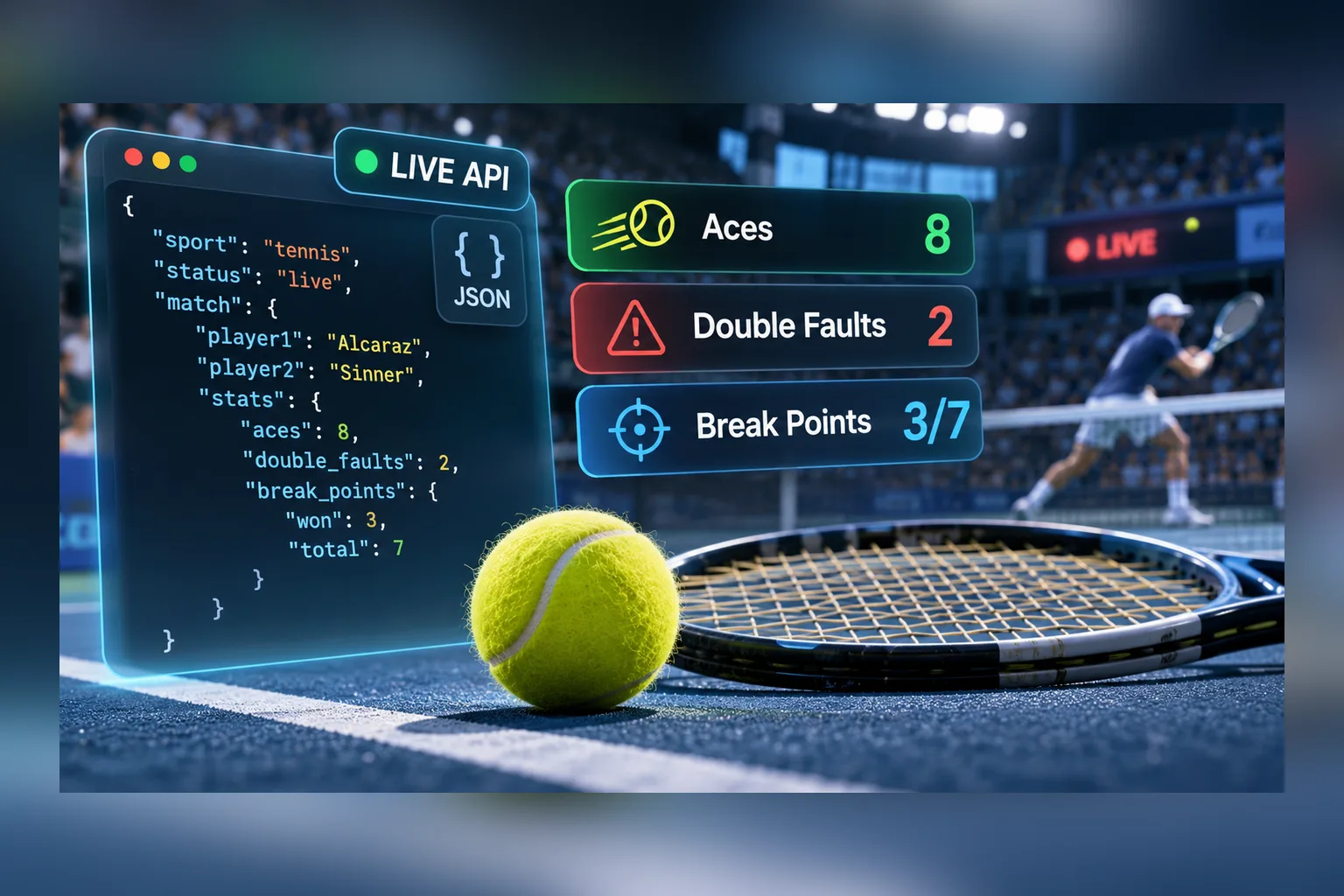
A live tennis API gives you three levels of score at once, sets, games and points, and a short block of serve statistics for each player: aces, double faults, first-serve percentage, points won on first and second serve, break points converted, breaks. All of it arrives as JSON in the same match object as the odds, so one request feeds a scoreboard, a stats panel and a bet slip.
We checked this on 4 November 2026 on a test key, during the ATP Paris match Alexander Zverev v Lorenzo Musetti. The events list for tennis returned 54 live matches, and the match object carried score_full: "0:0" for sets, score_period: "1:1" for games, score_extra: "40:0" for points, period_name: "1st set" and a stat_list of eight statistics. The same match had sub-events named Aces, Double Faults and Breaks with their own markets. Below is what each field means, how to read it in code, and what the feed doesn’t give you.
The data comes from Sport Line API, the SportAPI odds and live data feed; tennis is sport 4 in it. The product page for the sport is the Tennis Odds API.
Why tennis is harder to display than a football score
A football match has one score and a clock. A tennis match has a score inside a score inside a score, and no clock at all:
| Level | What changes | Field in the API | Example |
|---|---|---|---|
| Sets | Once every 30–60 minutes | score_full | "1:0" |
| Games in the current set | Every few minutes | score_period | "5:1" |
| Points in the current game | Every rally | score_extra | "40:0" |
| Which set is on | At the end of a set | period_name | "2nd set" |
The timer field is 0 for tennis: there’s no match clock, so an interface that shows minutes played is wrong by design. Serve alternates every game, a set can end in a tie-break, matches are best of three or best of five, and a player can retire in the middle of a set. A feed that only gives “1:0” is useless for a live page; a feed that gives all three levels but without a stable structure is a pain to parse. The structure below is stable across matches: the same three fields, the same string format.
Where live tennis statistics come from
Statistics live in the stat_list array of a live match, and they’re returned in two places: inside every match of the live list and inside the detailed match object.
GET /v1/events/4/0/sub/50/live/en
GET /v1/event/{gameId}/group/live/en
The paths are relative to the API domain that the manager issues together with the key; the key goes into the Package header. The first request returns all live tennis matches grouped by tournament. If you don’t need odds, add ?odds=false and the response shrinks 2 to 5 times, which matters when you poll every 7 seconds. The second request returns one match with the full market list and the sub-events.
This is the real stat_list from the Zverev v Musetti match, early in the first set:
"stat_list": [
  { "id": 1,  "name": "Aces",                "opp1": "1",   "opp2": "1"  },
  { "id": 2,  "name": "Win % 1st Serve",     "opp1": "100", "opp2": "67" },
  { "id": 3,  "name": "Break point %",       "opp1": "0",   "opp2": "0"  },
  { "id": 4,  "name": "Double faults",       "opp1": "0",   "opp2": "1"  },
  { "id": 7,  "name": "Win % 2nd Serve",     "opp1": "100", "opp2": "67" },
  { "id": 8,  "name": "1st Serve %",         "opp1": "50",  "opp2": "50" },
  { "id": 30, "name": "Points on own serve", "opp1": "4",   "opp2": "4"  },
  { "id": 98, "name": "Breaks",              "opp1": "0",   "opp2": "0"  }
]
Three rules for reading it. Values are strings, even the numbers, so convert them before you compare or draw bars. opp1 always belongs to opp_1_name and opp2 to opp_2_name: if your interface swaps the players, swap the values with them. And use id for logic, because name is localized: request the match in another language and Aces becomes a different word while id: 1 stays.
id | Statistic | Type | How to show it |
|---|---|---|---|
1 | Aces | count | number per player |
4 | Double faults | count | number per player |
8 | 1st Serve % | percent | bar, first serves in |
2 | Win % 1st Serve | percent | bar, points won on first serve |
7 | Win % 2nd Serve | percent | bar, points won on second serve |
30 | Points on own serve | count | number per player |
3 | Break point % | percent | bar, break points converted |
98 | Breaks | count | number per player |
Statistics exist only while the match is live. Prematch objects have no stat_list, and when the match leaves the live line the statistics leave with it. If you want the final numbers after the match, save them from the last live response yourself. Not every live match carries statistics either: the documentation’s saved snapshot had them for 16 of 39 matches across sports, so treat an empty stat_list: [] as “no stats for this match”, not as an error.
Reading the score: sets, games and points in code
The three score strings follow one format, "left:right", so a formatter is a few lines:
// score_full: sets, score_period: games in the current set, score_extra: points in the current game
function tennisScore(match) {
  const [sets1, sets2] = match.score_full.split(':');
  const [games1, games2] = (match.score_period || '0:0').split(':');
  const points = match.score_extra || '';  // "40:0" during a game, "0:0" or "" between games
  return {
    sets: `${sets1}-${sets2}`,
    games: `${games1}-${games2}`,
    points,
    set: match.period_name,                // "1st set", "2nd set", ...
    stats: Object.fromEntries(
      (match.stat_list || []).map((s) => [s.id, [Number(s.opp1), Number(s.opp2)]]),
    ),
  };
}

// { sets: "0-0", games: "1-1", points: "40:0", set: "1st set", stats: { 1: [1, 1], 4: [0, 1], ... } }
Two things the response doesn’t contain, so don’t invent them. There’s no field for who is serving: if your layout needs a serve marker, you’ll have to track it yourself from the game count, and a tie-break breaks that rule. And there’s no completed-set breakdown in the live object; score_full is the set count, not the games of each finished set. The per-set games arrive in the results feed after the match (more on that below).
Poll the live list every 7 seconds at most and a single match every 5. Between requests, the point score changes faster than that, which is normal: show what the last response said and don’t animate a timer, because there isn’t one.
Aces, double faults and breaks as sub-events
The detailed match object has a sub_games array. For the match we checked it listed 11 sub-events, each with its own game_id:
1st set · 2nd set · Quick events · Quick events,1st set
Aces · Aces,1st set · Double Faults · Double Faults,1st set
Breaks · Breaks,1st set · Breaks,2nd set
A sub-event is a separate match object in the API. Request it with the same event method and you get its own markets and its own score. For the Aces sub-event the score is the ace count itself: at that moment score_full was "1:1", one ace each, and the markets were totals over the match and per player, Over 4.5, 9.5 and 14.5 with Total 1 and Total 2 for each player:
// stat sub-events are found by name; each one is fetched like a match
const statSubs = match.sub_games.filter((s) =>
  /^(Aces|Double Faults|Breaks)$/.test(s.game_name),
);
for (const s of statSubs) {
  const sub = await fetchLine(`/v1/event/${s.game_id}/group/live/en`, 5_000);
  // sub.score_full: the current count, e.g. "1:1" aces
  // sub.game_oc_list: totals for the match and per player
  // sub.game_mid: points back to the main match
}
This is where statistics and betting meet. The stat_list number tells the reader how many aces have been served; the sub-event’s market tells them what the line expects for the whole match. A tennis stats page that shows “Aces: 7 / Over 14.5 at 1.36” next to each other is built from exactly these two objects. The game_mid field of a sub-event points back to the main match, so you can group everything on one page.
Three things to build with live tennis data
A live stats panel for a tennis site. Poll events for sport 4 with ?odds=false every 7 seconds, render the three score levels and the eight statistics as bars. One backend poller serves every visitor from a cache; the API key stays on the server. The match tracker widget supports tennis and is available for a match when zp is populated; in the Paris match it was.
Inputs for a win-probability model. People search for a “tennis win probability API”, and the feed doesn’t return probabilities. It returns two things a model needs: live serve statistics and the current odds. A two-way market with the margin removed gives a baseline, and your model adjusts it with the stats:
def implied_probability(k1: float, k2: float) -> tuple[float, float]:
    """Two-way market: remove the bookmaker margin proportionally."""
    p1, p2 = 1 / k1, 1 / k2
    total = p1 + p2            # above 1 because of the margin
    return p1 / total, p2 / total

implied_probability(1.304, 3.57)   # (0.73, 0.27): Zverev v Musetti at 1-1 in the first set
The odds 1.304 and 3.57 are the W1 and W2 selections of the 1x2 market in the same response; tennis has no draw, so the market has two columns. How to go from a baseline to a trained model is in our article on building a prediction model in Python; the approach is the same for tennis with serve statistics as features.
Alerts. A break of serve, a tie-break, a third set: each is a change in a field you already poll. Breaks moving from 0 to 1, score_period reaching 6:6, period_name becoming 3rd set. The polling loop and the Telegram delivery are described in the live signals bot article; the tennis-specific part is just the condition.
Fixtures before the match and results after it
The live feed is one of three sources, and they don’t overlap:
| When | What you get | Where |
|---|---|---|
| Before the match | Tournaments, participants, start time, prematch markets | events with line; the match calendar /v1/events/4/0/sub/50/line/{hours}/{days}/en for today, tomorrow or the next few hours |
| During the match | Score by sets, games and points, stat_list, live markets, sub-events | events and event with live |
| After the match | Final score by sets and the games of each set | Sports Results API, from $25 a month for one sport, +$10 per extra language |
Two details for the fixtures side. Doubles come with opp_1_ids and opp_2_ids arrays, two participant IDs per side, while the names stay in opp_1_name and opp_2_name. And a match gets a new game_id when it moves from prematch to live, so link your prematch and live records by participants and start time, not by ID.
Detailed historical player statistics, head-to-head records and season averages are not in the live feed and not in the results feed. A separate statistics API for that is in development; ask the manager about it rather than scraping ranking sites.
What the feed does not give you
- Statistics for prematch or finished matches.
stat_listexists only in live. Store the last live values if you need them later. - A serve indicator. There’s no field for the serving player.
- A match clock.
timeris0for tennis. - Win probabilities. Compute them from odds and statistics on your side.
- Guaranteed statistics for every match. Lower-level tournaments may come without
stat_list; checklengthbefore rendering. - A push channel. WebSocket is in development; production integrations poll at the documented intervals.
Mistakes that break tennis pages
- Treating
score_fullas games. It’s sets. Games are inscore_period. - Comparing
opp1as a string."100" > "67"is a string comparison; convert first. - Matching statistics by
name. Names are localized. Match byid. - Polling
eventfor all 54 matches. Request details only for the match someone opened; the list already carriesstat_list. - Linking prematch and live by
game_id. They’re different IDs. Use participants and start time. - Showing a timer. It’s always
0.
How to check it on today’s matches with SportAPI
A test key gives two days of access to all sports, prematch and live, so the whole check fits in one session:
GET /v1/menu/live/enand confirm sport4is in the list with a non-zero counter.GET /v1/events/4/0/sub/50/live/en?odds=falseand pick a match whosestat_listisn’t empty.GET /v1/event/{gameId}/group/live/en, read the three score fields, the statistics andsub_games.- Request the Aces sub-event by its
game_idand compare itsscore_fullwithstat_listentryid: 1. - Poll the match for a few minutes and watch
score_extramove.
Live statistics, sub-events and the tennis line are included in the plan for one sport, from $30 a month. The Tennis Odds API page lists the markets; the live statistics data model in the documentation describes stat_list for every sport.
FAQ
Is there a free tennis statistics API?
Not as a permanent plan. SportAPI gives a free test key for two days with all sports and live data, which is enough to build and check a tennis page. After that the plan for one sport starts at $30 a month.
Does the API say who is serving?
No. The live object has the score at three levels and the statistics, but no serve marker. If you need one, derive it from the game count and handle tie-breaks separately.
Can I get aces and double faults for a finished match?
Not from the results feed, which returns the score by sets and games. Statistics are available while the match is live, so save the last live values if you need them afterwards. Detailed historical statistics are a separate product in development.
Which tournaments are covered?
In our checks the live list included ATP, WTA and Challenger events. Coverage changes with the calendar, so check the tournament you need through menu on a test key before promising it to users.
Does the feed return win probabilities?
No. It returns the odds, from which you can compute an implied probability, and the live statistics you can feed into your own model.
Is the tennis data available in other languages?
Yes. The language code in the URL changes name in stat_list, period names and market names. Statistic IDs and the score strings stay the same.
What to check before you connect
Open a live match on a test key today and look at four things: the three score fields update as the points go, stat_list has the eight statistics, the Aces sub-event’s score matches the aces count, and the match you need is in menu. If all four pass, the tennis page is a day of front-end work on top of the polling loop. Ask the SportAPI manager on Telegram for the key and run the check on tonight’s matches.