

Sportsbook API Integration Cost: What You Pay For and Where to Save
The real budget of a sportsbook API integration: developer days, monthly API plans, a server and testing. Three scenarios with effort and monthly cost, eight ways to save and four places not to.
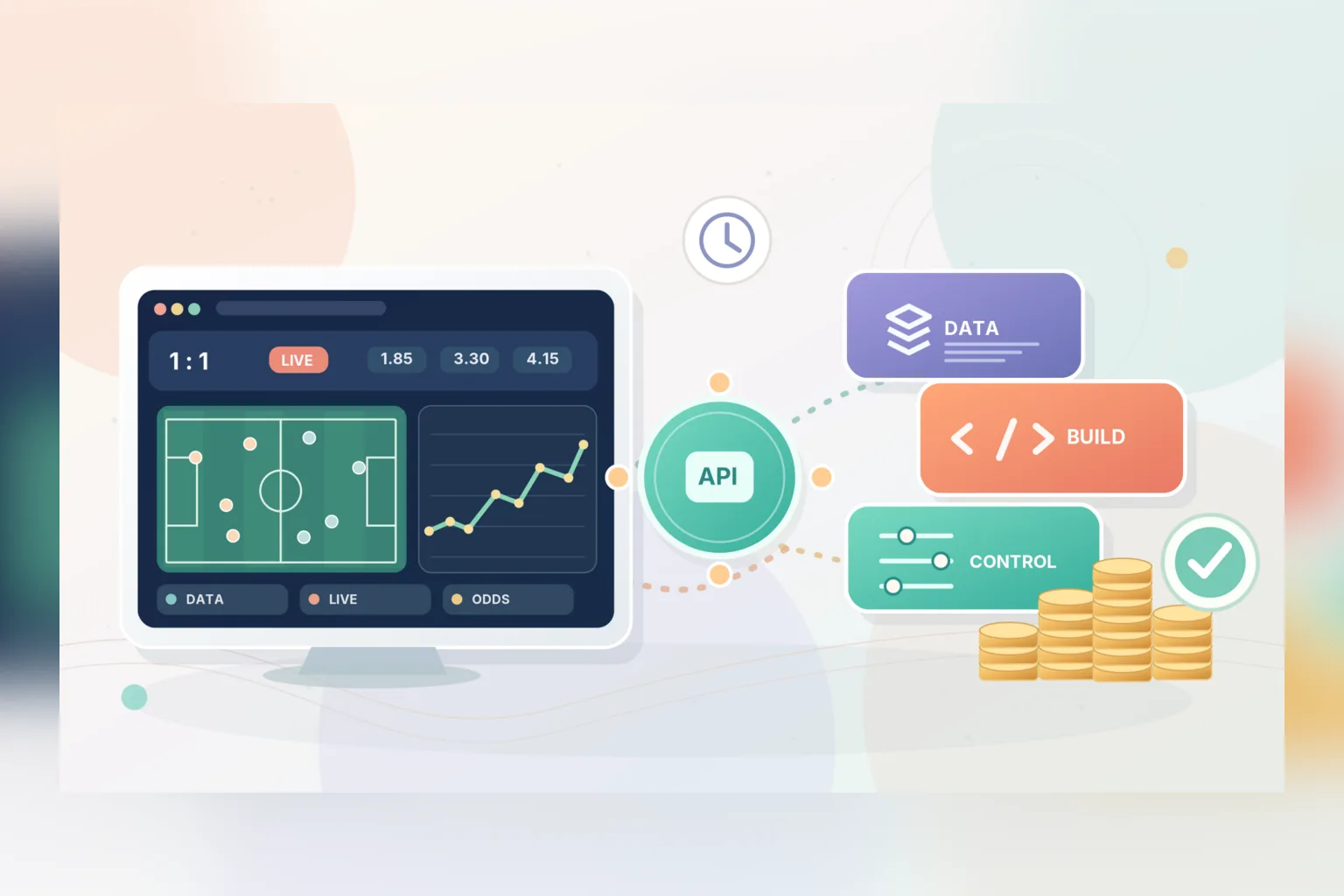
The cost of a sportsbook API integration has two parts that behave differently. The one-time part is developer time: about four working days for an odds feed and about seven for odds, bets and settlement with one developer. The monthly part is the API itself: from $30 a month per sport for the feed and from $300 a month for bet acceptance and settlement, plus a small server. Everything else, a custom design, a back office, payment integrations, belongs to your product, not to the integration.
That means the number you’re looking for is a formula: days of work multiplied by your developer’s day rate, plus the monthly plans. Below are the lines of that budget, three scenarios with effort and monthly cost, and the places where teams overpay. The examples use the SportAPI sportsbook API integration: the odds feed and the Coupon API.
What the integration budget consists of
| Line | Type | Depends on | How to keep it small |
|---|---|---|---|
| Developer time for the feed | One-time | Screens you build: list, match page, live | Ready examples, a client library, one sport first |
| Developer time for bets and settlement | One-time | Bet slip, wallet link, callback handler | Use the bet settlement service instead of your own engine |
| The odds feed | Monthly | Number of sports and languages | Start with the sports users open |
| Bet acceptance and settlement | Monthly | Settled outcomes above the package | Nothing to tune at the start |
| Server for the proxy and cache | Monthly | Almost nothing: one poller per data set | A cache instead of a bigger machine |
| Testing before launch | One-time | The checklist you run | A free test key and a test balance |
| Help from the provider | Free or one-time | Questions are free; code is paid | Ask before guessing |
Two lines surprise people. The server is cheap because request volume doesn’t grow with your audience when one poller serves everyone from a cache. And testing costs time, not money: the test key is free for two days, and the bet service comes with a $20 monthly balance for test bets.
How long the work takes
These are the numbers from our own integrations and documentation:
| Who does it | Time to a working result |
|---|---|
| A developer with the ready examples | About 20 minutes to the first screen with real events |
| One developer, odds only | About 4 working days |
| One developer, odds plus bets and settlement | About 7 working days |
| A team that knows betting systems | About 5 days for the full cycle |
| A team new to the domain | Up to a month |
| An AI coding agent with the AI-ready documentation | One day for the full cycle, in our own test |
The spread between five days and a month is not about typing speed. It’s about decisions: a backend proxy from the first day or a rewrite later, the provider’s settlement or a home-made one, a plan by days or exploring the API as you go. The day-by-day plan is in Sportsbook API Integration in 7 Days.
Three scenarios
Odds on your site, no bets. The menu, the match list, the match page with markets and live updates, a cache and a check before launch. Effort: about 4 developer days. Monthly: from $30 for one sport.
A sportsbook: odds, bets and settlement. Everything above plus the bet slip, bet placement with an odds check, the settlement callback with a polling fallback, and idempotent payouts in your wallet. Effort: about 7 developer days. Monthly: from $30 + $300 = $330 for one sport.
A ready interface instead of your own. The sportsbook widget is embedded into an existing page; your developer adds the container, passes the session and handles a few events. Effort: hours to a couple of days, depending on your login and balance logic. Monthly: agreed for the project, on top of the feed and the bet service.
To turn a scenario into money, multiply the days by what a day of your developer costs you and add twelve months of plans. For most teams the first year is dominated by the monthly part, not by the integration itself.
Eight ways to cut the bill
- Start from the examples, not from a blank file. The documentation has working requests in cURL, Python, PHP and JavaScript, plus real JSON responses to build the front end against before the key arrives.
- Give the job to an AI agent with the right documentation. There’s a version of the docs written for coding agents and an MCP server for Claude, Cursor and VS Code. That’s how the full cycle fits in a day.
- Use the client library. The official Python client covers requests and models, so the developer writes product code, not HTTP plumbing.
- Launch with one sport. Plans are per sport. Add the second one when users ask for it.
- Don’t build settlement. A settlement engine with Asian lines, refunds and resettlements is weeks of work and a permanent maintenance cost. The Coupon API returns final statuses.
- Cache instead of scaling. One poller per data set and a short cache keep the server small whatever the traffic.
- Take the widget if the interface isn’t your product. A custom front end is the largest one-time line; the widget removes it.
- Ask. Consultations on methods, data and errors are free. An hour of questions saves days of experiments.
Four places where saving backfires
- The backend proxy. Calling the API from the browser is faster to write and exposes the key. The rewrite costs more than doing it on day one.
- Idempotent payouts. A settlement callback can arrive twice. Without a unique index on the batch ID you pay twice, and that’s real money.
- The polling fallback. A callback can be lost while your server is down. A five-line job that re-reads recent settlements prevents manual reconciliation.
- The pre-launch checklist. Skipping a day of checks moves the same bugs to production, where they cost players and support time.
If you have no developer
Three options, in order of cost. The widget puts a ready sportsbook into your existing site. An AI agent with the documentation can assemble a working integration that a part-time developer then reviews. And SportAPI’s team can build the integration for you for a separate fee; describe the project to the manager for an estimate. Free consultations cover questions about the API, not writing your code.
How to get your own number
- Pick the scenario: odds only, odds and bets, or the widget.
- Take the days from the table and multiply by your developer’s day rate.
- Add the monthly plans for your sports for twelve months. The models behind API prices are explained in Sports Betting API Pricing in 2026.
- Add your server.
- Run day one of the plan on a free test key to check the estimate before you commit.
The steps for the feed itself are in the integration guide.
FAQ
How much does a sportsbook API integration cost?
It’s developer days plus monthly plans. With SportAPI that’s about four days for an odds feed or about seven for odds, bets and settlement, then from $30 a month per sport for the feed and from $300 a month for bet acceptance and settlement.
Do you charge an integration or setup fee?
No. There’s no connection fee for the feed or the bet service, and consultations on the API are free. If you want our team to write the integration, that work is estimated separately.
Can a non-developer do the integration?
Not the API route: the key and the bet handling must live on a server someone maintains. Without a developer, use the sportsbook widget or order the integration.
What’s the cheapest way to start?
One sport on the odds feed, from $30 a month, with a backend built from the ready examples. Add bets and other sports once the product has users.
What does the test cost?
Nothing. The test key gives two days of access to all sports with prematch and live, enough to run the first days of the plan.
Start with a free day one
The cheapest way to check an integration budget is to do its first day. Ask the SportAPI manager on Telegram for the API domain and a test key, build the first screen from the examples and time it. Your own number for the rest of the plan follows from that.