

Betting Widgets for Publishers and Media Sites: Odds Widgets That Don't Hurt SEO
Which sports and betting widgets a media site can embed, the three ways a widget damages a page, embed code that keeps Core Web Vitals intact, and when to render odds in your own HTML instead of a frame.
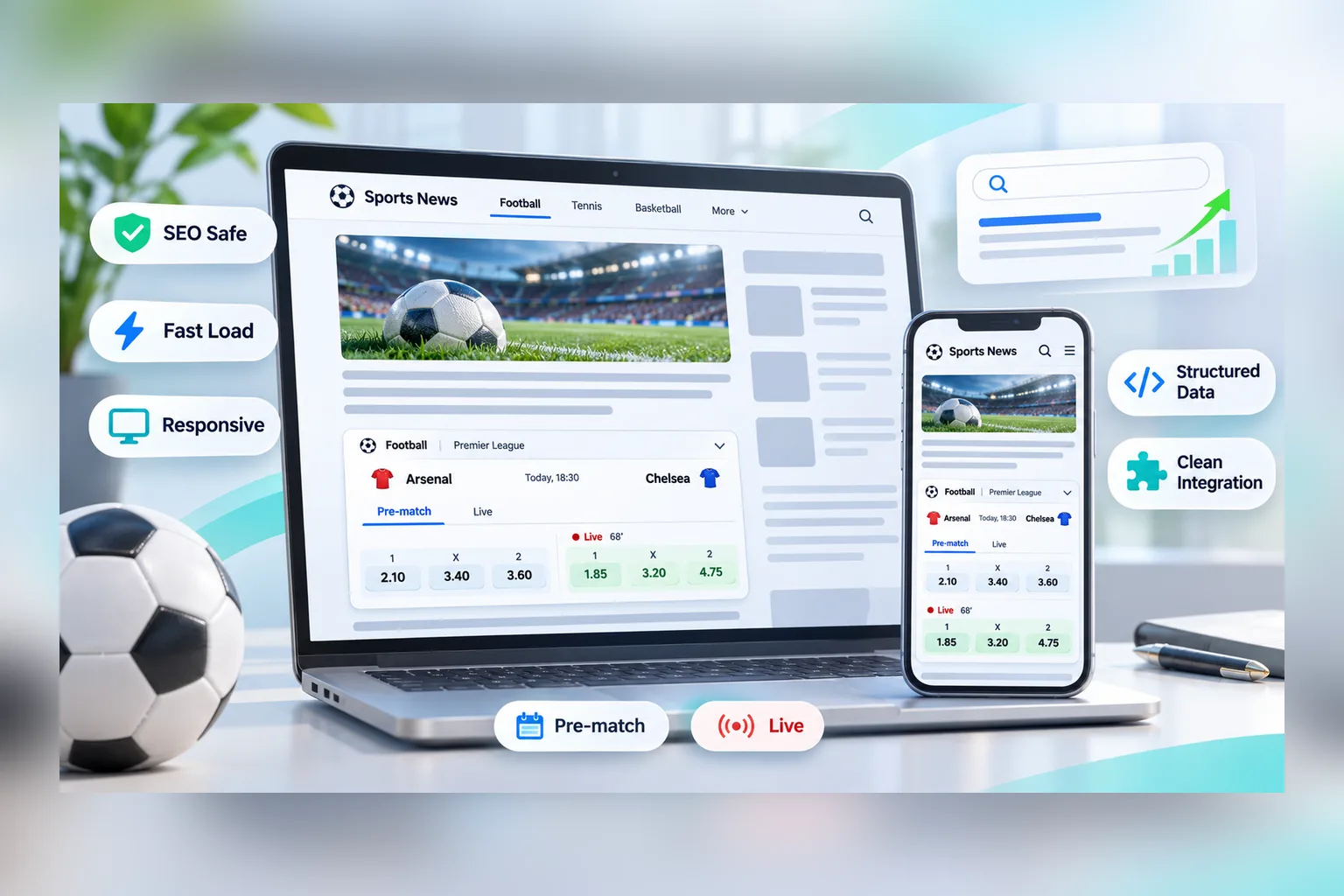
A betting widget can hurt a media site in exactly three ways: it slows the page down, it makes the layout jump, or it replaces the content search engines came for. None of the three is caused by the widget being about odds. All three come from how it’s embedded, and each has a fix that takes a few lines.
Done right, a widget gives a sports publisher what articles alone don’t: a reason to stay on the page during the match and a block that updates itself. Below are the widgets a media site can use, the embed pattern that keeps Core Web Vitals intact, the choice between a frame and odds in your own HTML, and the rules for links and labels.
Which widgets a sports publisher can embed
| Widget | What readers get | Where it fits | From |
|---|---|---|---|
| Sports statistics widget | Today’s matches, xG, line-ups, standings, head-to-head, match analytics for 16 sports | Match previews, team and tournament pages | $50 a month per sport; first month free with ads |
| Match predictions widget | Outcome probabilities, fair odds, correct score, totals, trends | Previews and tips columns | $20 a month per sport |
| Live match tracker | The match as a 2D or 3D scene with score and events | Live blogs and match pages | $50 a month per sport |
| Sportsbook widget | Events, markets, odds and a bet slip | Publishers that run betting themselves or with an operator | Agreed for the project |
| A block built on the odds API | Matches and odds rendered in your own HTML | Anywhere you want odds to be part of the page | $30 a month per sport for the feed |
The first four are ready-made and embedded with one line of code. The statistics widget works in 36 interface languages, with light and dark themes and a compact mode for narrow columns. The last row is not a widget at all, and that’s its point, as the comparison below shows.
Three ways a widget hurts a page
It delays the main content. A script that loads in the head, or a frame at the top of the article, competes with your headline image for the first seconds. That shows up in Largest Contentful Paint.
It moves the layout. A block that appears with no reserved space pushes the text down after the reader has started reading. That’s Cumulative Layout Shift, and it’s the most common widget problem.
It stands in for content. A page that is a headline and a frame has nothing of its own. Search engines generally treat framed content as belonging to the framed address, not to the page that embeds it.
Each has a simple fix: load the widget late, give it a box of a known size, and keep your own text on the page.
Embed code that keeps Core Web Vitals intact
<!-- the article text comes first; the widget sits below the first screen -->
<div class="match-widget" style="min-height: 520px; contain: layout;">
  <iframe
    src="WIDGET_URL_FROM_YOUR_EMBED_CODE"
    title="Match statistics"
    loading="lazy"
    width="100%"
    height="520"
    style="border: 0"
  ></iframe>
</div>
Three details do the work. min-height on the container reserves the space before anything loads, so nothing jumps. loading="lazy" defers the frame until the reader scrolls near it, so it doesn’t compete with the article. And a ready widget loads in its own frame: its scripts run there and don’t block the rendering of your page.
For a block near the top, where lazy loading doesn’t apply, keep the reserved height and let the frame load after your headline image. For several widgets on one page, lazy-load all but the first.
A widget in a frame or odds in your own HTML
| Ready widget in a frame | Block rendered from the odds API | |
|---|---|---|
| Development | None: paste the embed code | A developer and a server-side request |
| Updates | The widget refreshes itself | Your server refreshes the cached data |
| Is it your page’s content | No, it belongs to the frame | Yes, it’s HTML on your page |
| Design | Themes and modes of the widget | Fully yours |
| Best for | Live blocks, statistics, trackers | Odds tables in previews, tournament hubs, schedule pages |
If you want search engines to see the fixtures and odds as part of your article, render them on the server from the Sports Odds API: your backend requests the matches, caches them for a minute and prints plain HTML. The events method returns the teams, the start time and the main odds for each match. A working version of this as a WordPress shortcode is in Matches and Odds Widget for Your Website.
Most media sites end up with both: a server-rendered schedule or odds table as content, and a live widget for the part that changes every few seconds.
Links, labels and rules
- Qualify paid links. If a button next to the widget leads to a bookmaker through an affiliate programme, mark it
rel="sponsored". That’s how Google asks publishers to label paid and affiliate links. - Label advertising. Readers and regulators both expect a clear “advertising” or “partner” label on betting promotions.
- Mind age and geography. Betting content is for adults, and the rules for showing it differ by country. Show betting blocks only where your audience’s law allows it.
- Don’t mark up what you don’t own. Structured data should describe what’s in your own HTML. Use article markup for the article; add event markup only for matches you print on the page yourself.
Where widgets earn their place on a media site
Match previews. The statistics widget with head-to-head and form under the text, a predictions block beside it. The reader gets the numbers the author refers to.
Live blogs. A match tracker pinned above the feed keeps readers on your page instead of a score site.
Tournament and team hubs. Standings and fixtures that update themselves, with a server-rendered schedule for the indexable part.
After the match. Replace the live block with the result and statistics; a tracker works only while the match is live.
Mistakes that cost traffic
- A page that is only a widget. Add an introduction, context and your own headings.
- No reserved height. The layout shift is visible to every reader and measured by search engines.
- Five frames above the fold. Load one, lazy-load the rest.
- Affiliate buttons without
rel="sponsored". Qualify every paid link. - A widget on the wrong domain. Keys are tied to domains; a staging or mirror domain shows an empty block.
- Betting blocks everywhere. Put them where the reader expects them: match and tournament pages, not general news.
What it costs
| What you need | Cost |
|---|---|
| Sports statistics widget | from $50 a month per sport; the first month is free, with ads inside the widget |
| Match predictions widget | from $20 a month per sport |
| Live match tracker | from $50 a month per sport |
| Odds feed for a server-rendered block | from $30 a month per sport, free two-day test key |
| Sportsbook widget with a bet slip | agreed for the project |
FAQ
Do betting widgets hurt SEO?
Not by themselves. A widget hurts when it slows the page, shifts the layout or replaces your content. Reserve its height, load it lazily and keep your own text, and the page’s metrics stay where they were.
Is content inside a widget indexed as part of my page?
Generally no. Framed content is treated as belonging to the framed address. If you want fixtures or odds to count as your content, render them in your own HTML from the API.
Do I need a developer to add a widget?
Not for the ready widgets: they’re embedded with one line of code in any CMS. A server-rendered block from the odds API needs a developer.
How should affiliate links next to a widget be marked?
With rel="sponsored", and with a visible advertising label for readers.
Can I try a widget before paying?
Yes. The statistics widget has a free first month for one sport, with ads inside the widget, and the odds feed has a free two-day test key.
Start with one page
Pick one match preview, add a statistics block under the text with a reserved height and lazy loading, and compare the page’s metrics before and after. Send your domain and sport to the SportAPI manager on Telegram to get the embed code and the key for it.