

Matches and Odds Widget for Your Website: Set It Up on WordPress in 15 Minutes
Two ways to add a live block with matches and odds to WordPress without development: the ready-made SportAPI sportsbook widget and a lightweight upcoming matches shortcode.
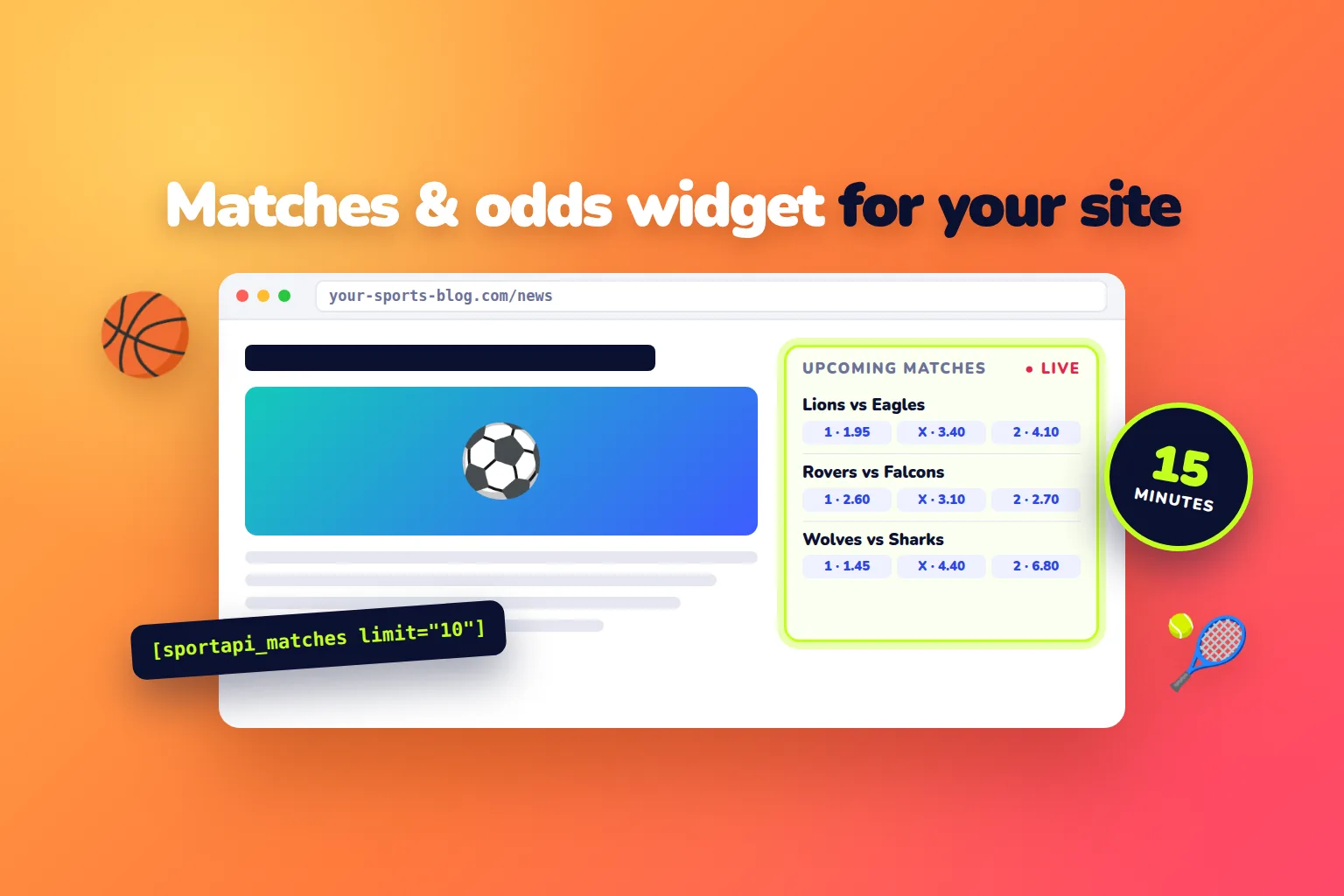
A live block with matches and odds on a WordPress site takes no development — and there are two ways to do it. The first is the ready-made SportAPI sportsbook widget: a full sports section with prematch, live, markets, and a bet slip that you embed on a page with code from the manager. The second is a lightweight “Upcoming matches” block: a small shortcode plugin that takes matches and odds from the SportAPI Sports Odds API (from $30 a month per sport). Either way, the WordPress setup itself takes about 15 minutes.
Below: which option to choose, step-by-step setup for each, and the mistakes that make WordPress widgets stop working.
Which option to choose
| Task | SportAPI sportsbook widget | ”Upcoming matches” block via API |
|---|---|---|
| What visitors see | A full sports section: prematch, live, markets, bet slip | A list of upcoming matches with 1 / X / 2 odds |
| Design | Ready-made responsive interface | Your theme’s style, adjustable with CSS |
| Live and scores | Yes, in real time | Prematch matches, refreshed every minute |
| Accepting bets | The bet slip passes picks to your system; settlement via the Coupon API | No |
| How it is installed | Embed code from the manager → “Custom HTML” block | Plugin file + shortcode |
| Who it is for | Betting and affiliate projects, tipster sites | Sports news sites and blogs |
If you need a full betting section, choose the widget. If you need a neat block in the sidebar or under an article, choose the shortcode.
Option 1. The SportAPI sportsbook widget
The sportsbook widget is a ready-made sports line interface: prematch and live matches, score and match state, main and extra markets, and a bet slip with singles and accumulators. It adapts to desktop and mobile screens and shows data in your project’s languages.
How it connects
The embed code is a container plus a JavaScript loader. On start the loader receives your project’s parameters — language, line type, and a user token if needed — and renders the interface. The SportAPI manager gives you the exact code with these parameters along with the setup guide.
The widget notifies your site about important events: login required, bet slip changed, balance updated. Users and money stay in your system, and the widget handles the sports interface. If you accept bets, bet creation and settlement connect through the Coupon API.
Installing on WordPress
- Get the widget embed code from the manager.
- Open the page in the WordPress editor and add a “Custom HTML” block.
- Paste the code and save the page.
- Open the page on desktop and mobile and check that matches load.
You can see the widget in action in the demo on the sportsbook widget page.
Option 2. An “Upcoming matches” block via shortcode
If you do not need a full sportsbook, a small plugin is enough. It takes the next hours’ matches from the match calendar, caches the response for a minute, and outputs the list with a shortcode anywhere on your site.
Step 1. Create the plugin file
Create wp-content/plugins/sportapi-matches/sportapi-matches.php and paste the code:
<?php
/**
 * Plugin Name: SportAPI Matches
 * Description: The [sportapi_matches] shortcode shows upcoming matches with odds from SportAPI.
 */

add_shortcode('sportapi_matches', function ($atts) {
    $atts = shortcode_atts(['sport' => 1, 'hours' => 12, 'limit' => 10], $atts);
    $cache_key = 'sportapi_matches_' . md5(serialize($atts));
    $html = get_transient($cache_key);
    if ($html !== false) {
        return $html;
    }

    $url = sprintf(
        'https://YOUR_API_DOMAIN/v1/events/%d/0/sub/50/line/%d/0/en',
        $atts['sport'],
        $atts['hours']
    );
    $response = wp_remote_get($url, ['headers' => ['Package' => SPORTAPI_KEY], 'timeout' => 10]);
    if (is_wp_error($response) || wp_remote_retrieve_response_code($response) !== 200) {
        return '';
    }

    $data = json_decode(wp_remote_retrieve_body($response), true);
    $rows = [];
    foreach ($data['body'] ?? [] as $tournament) {
        foreach ($tournament['events_list'] as $match) {
            $odds = [];
            foreach ($match['game_oc_list'] ?? [] as $group) {
                if (strtolower($group['group_name']) === '1x2') {
                    foreach ($group['oc_list'] as $outcome) {
                        $odds[] = esc_html($outcome['oc_name'] . ' ' . $outcome['oc_rate']);
                    }
                }
            }
            if (!$odds) {
                continue; // skip helper sub-events without odds
            }
            $rows[] = sprintf(
                '<li><strong>%s vs %s</strong> <span>%s · %s</span><br>%s</li>',
                esc_html($match['opp_1_name']),
                esc_html($match['opp_2_name']),
                esc_html(wp_date('H:i', $match['game_start'])),
                esc_html($tournament['tournament_name']),
                implode(' · ', $odds)
            );
        }
    }

    $html = '<ul class="sportapi-matches">' . implode('', array_slice($rows, 0, (int) $atts['limit'])) . '</ul>';
    set_transient($cache_key, $html, 60);
    return $html;
});
Step 2. Add the key to wp-config.php
The key lives on the server, not on the page — visitors never see it. Add this line to wp-config.php above the “That’s all, stop editing!” comment:
define('SPORTAPI_KEY', 'your-SportAPI-key');Step 3. Activate the plugin and insert the shortcode
In the admin open Plugins, activate SportAPI Matches, and add a “Shortcode” block to a page, a post, or the sidebar:
[sportapi_matches sport="1" hours="12" limit="10"]sport— sport ID:1is football; other sport IDs come from themenumethod;hours— the period:2,4,6, or12hours ahead;limit— how many matches to show.
Top leagues come first in the calendar response, so even 5–10 matches in the block are the most interesting ones.
Step 4. Style the block
The list inherits your theme’s styles. To highlight the odds, add CSS under Appearance → Customize → Additional CSS:
.sportapi-matches { list-style: none; padding: 0; }
.sportapi-matches li { padding: 12px 0; border-bottom: 1px solid #e5e7eb; }
.sportapi-matches span { color: #6b7280; font-size: 0.9em; }
Mistakes that make widgets stop working
- An API key in page JavaScript. Any visitor can see it. With the shortcode, the key stays in
wp-config.phpand never leaves the server. - Calling the API on every page view. Without a cache, a popular article creates thousands of requests. The plugin in this article calls the API at most once a minute.
- JavaScript optimizers. Caching and minification plugins sometimes merge or defer scripts and break the widget loader. If the widget does not appear, exclude its script from optimization.
- Too long a list. A 50-match block overloads the page. Use a separate page for the full list.
- Testing only on desktop. Most sports traffic comes from phones. Check the page on mobile.
What it costs
| What you need | Cost |
|---|---|
| ”Upcoming matches” block: matches, prematch and live, odds for one sport | from $30 a month |
| Sportsbook widget | Connection terms from the manager |
| Testing before you pay | 2-day SportAPI trial key, all sports |
FAQ
Do I need to know how to code?
No. For the widget you paste ready-made code into a “Custom HTML” block. For the shortcode you copy the plugin file, add the key to wp-config.php, and insert the shortcode.
Will the block update itself?
Yes. The shortcode fetches fresh data from the API once a minute, and the sportsbook widget updates matches, scores, and odds on its own.
Can the shortcode show live matches?
Yes. Replace the calendar in the request URL with the live match list — /events/1/0/sub/50/live/en — and show score_full next to the teams. Shorten the cache for live, but keep it at 10 seconds or more.
Does this work for sites not built on WordPress?
Yes. The sportsbook widget embeds on any site, and the shortcode logic moves easily into another CMS template: an API request with the Package header, a cache, and a list.
Can I test it before paying?
Yes. The 2-day trial key includes all sports, prematch and live — enough to put the block on your site and see how it works.
What to do today
- Decide whether you need a full sports section or an “Upcoming matches” block.
- For the widget, request the embed code from the manager; for the shortcode, get a trial key.
- Install your option using the steps above.
- Check the page on a phone.
- Add the block to the sidebar or under articles, where more visitors will see it.
Message the SportAPI manager on Telegram with the option your site needs — you will get the sportsbook widget code or a trial key for the Sports Odds API.